Direct access
Open your space from the home screen without searching for the site each time.
 DimaReadyYour signals, your trajectory, your data.
Use DimaReady like an app, with direct access from your home screen and an experience designed for mobile.
Installation is optional. Your personal data is not sent to a third-party service to install the app.
The process depends on your browser. A connection is still required for private pages and data.
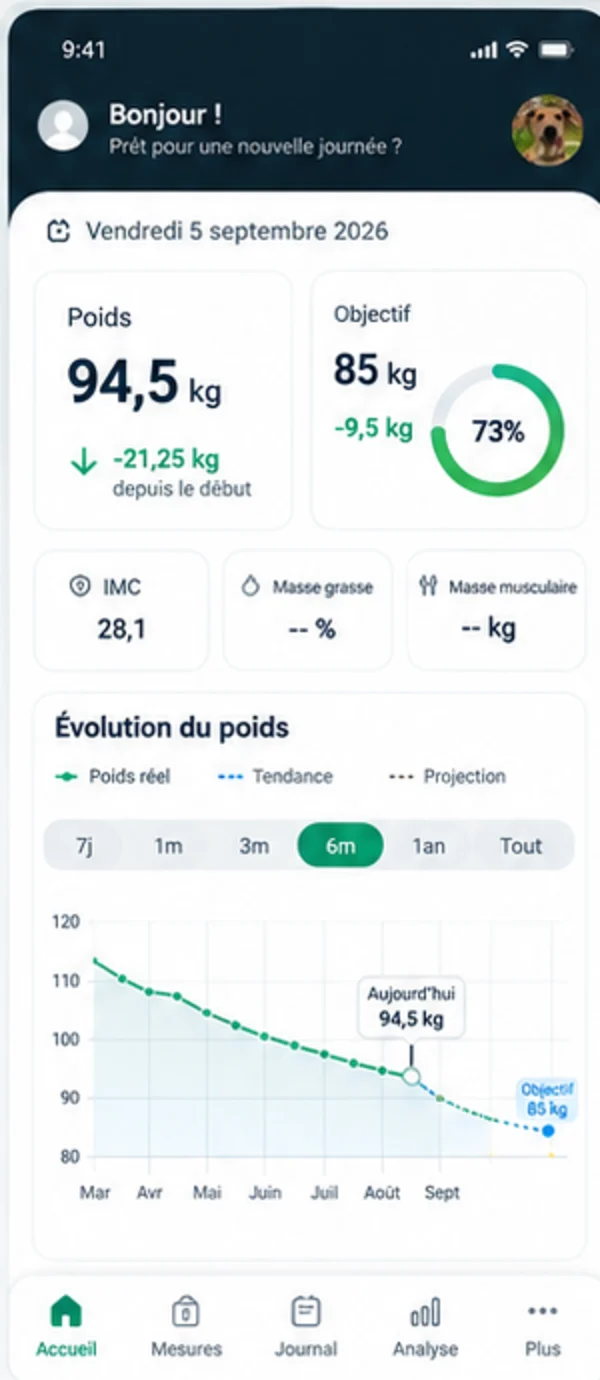
Open your space from the home screen without searching for the site each time.
PWA mode caches only approved static resources, never your private pages.
Only identity resources required for installation may be stored. Your private pages remain outside the cache.
Tap Install DimaReady above. The final confirmation is shown by your browser or operating system.
On Chrome/Xiaomi: open the ⋮ menu and choose Install app. If only Add to Home screen appears, use that option.
If your browser offers Install in the address bar or menu, use it. Otherwise DimaReady remains fully accessible in the browser.
You can open your space directly. No new installation is needed.
You can keep using DimaReady in this browser. Check its menu for an Add to Home Screen option.
The identity check requires JavaScript. You can still use the instructions below.
This check stays on this device. It reads no measurements or vault data and does not replace a test from the installed icon.
Detection stays in your browser and is used only to show the right installation path.